How do I refer someone
Last updated: June 3, 2026
The Turing Referral Program allows you to refer skilled talents to Turing across multiple domains and careers. If your referral is successfully hired, you earn a reward.
It’s simple — share a job, make a match, and get rewarded.
How to Refer Someone
Log in to your account at https://work.turing.com/jobs
Click on Share & Earn in the top-right corner of the page.
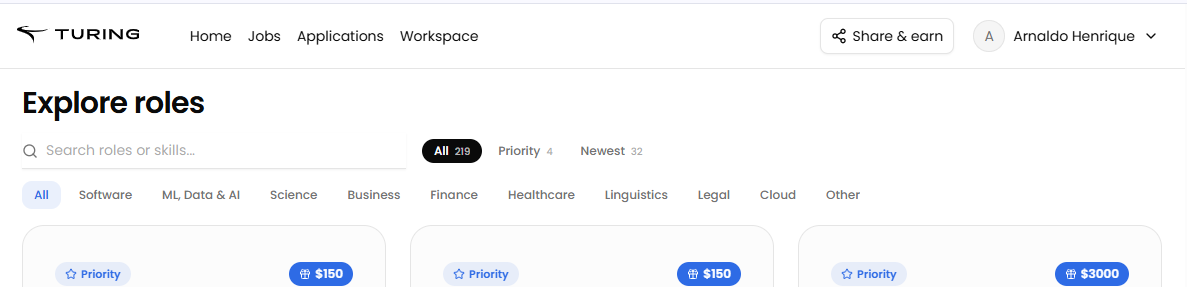
3. Select Go to Referrals Dashboard.
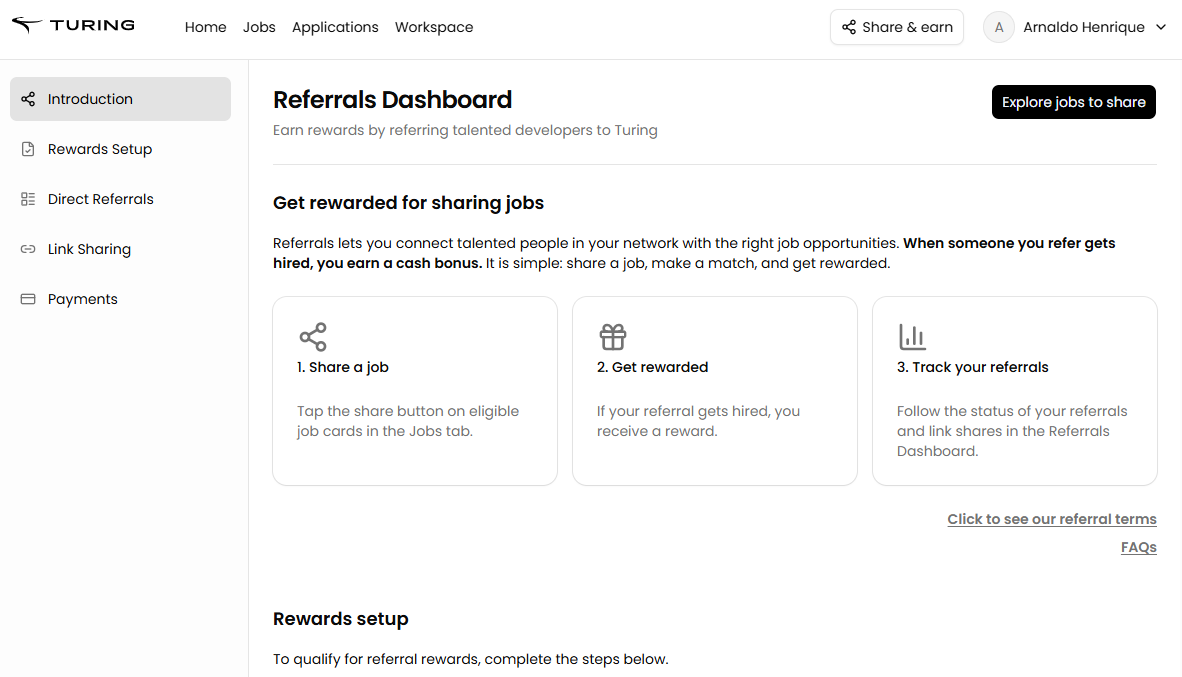
4. Set up your referral profile by completing the following steps:
Accept Turing’s Terms and Conditions.
Set 2FA
Verify your ID
Add your tax information.
Connect your payment method
5. Complete the onboarding process:
You will receive an email from the team with the required steps for the new onboarding flow
Follow the process step by step to complete onboarding successfully
Important: You must complete onboarding through the new onboarding flow to receive referral payouts
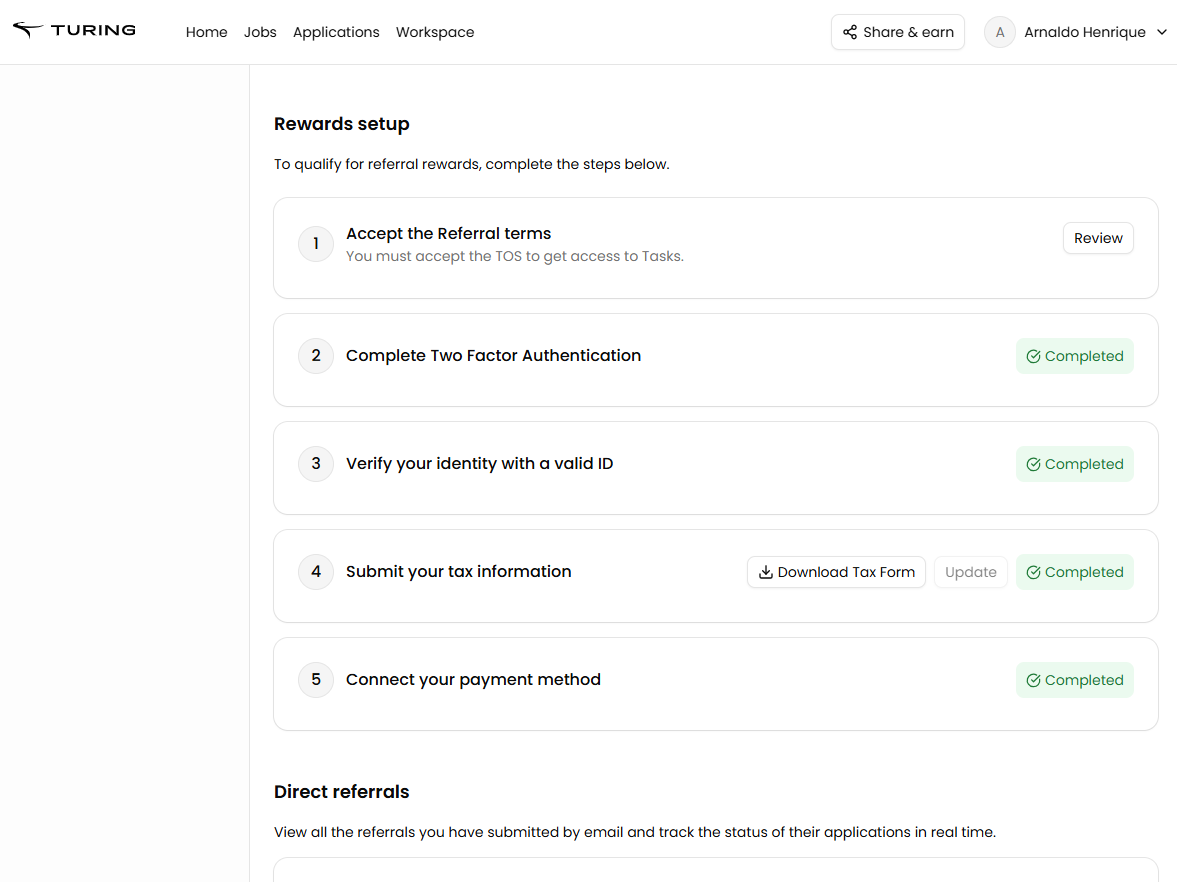
6. Share a job:
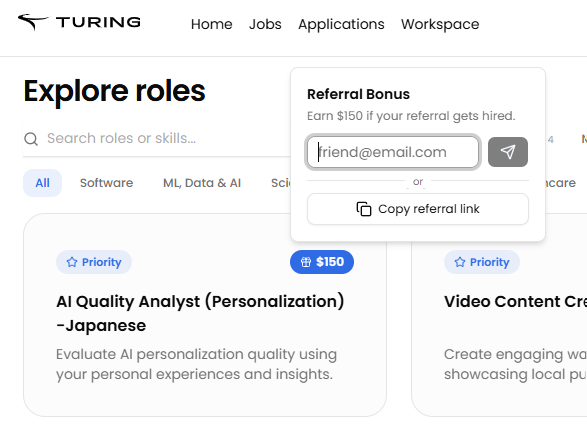
In the Jobs tab, tap the Share button on eligible job cards to refer candidates.
Are my previous referrals sent using Typeform still valid
Yes. Your previous referrals shared with Turing over the Typeform platform will still be considered for our opportunities and if they are hired within 3 months from referral date, and complete 10 working hours with Turing.
To check the previous referrals submitted statuses, please check them [here] using your Turing Email address.